Bespoke Media (Adding your own media)
If you have a reach/frequency for a media channel that is not available in the Survey data you have selected (e.g. CTV, Linear TV, Radio, etc.) you can manually add it to your plan/s.
How to input a manual entry to track a R/F outside of your planned channels
Select the Import folder in the upper right hand of the 'Plan' tab.
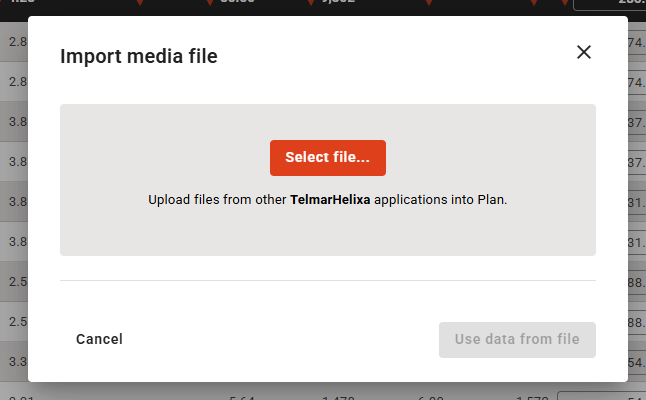
- A pop-up will appear to import mixed data
- Select the Import manual entry tab
- Provide a Name, and any available data for Reach %, Avg. Freq., Costs, GRPs
Note: Not every box needs data to add it to your existing plan - Click Next.
The manual data you want added appears at the bottom of the screen and you will notice that it is added to the blue Total combined R/F
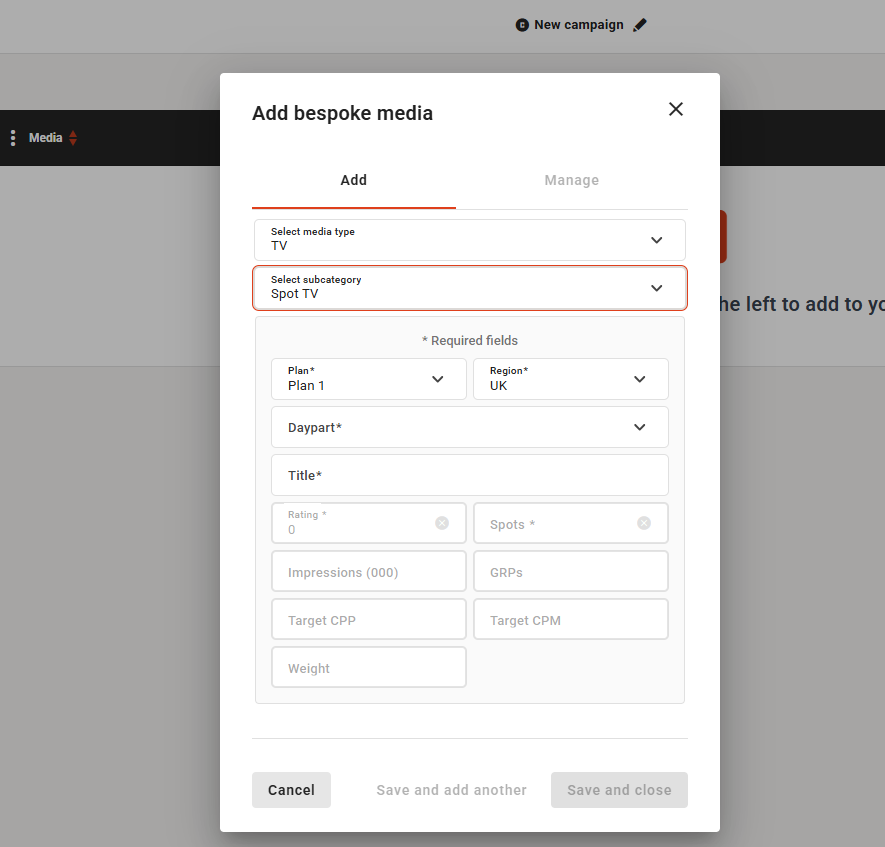
User can add Bespoke Media
User can add ‘Bespoke Media’ by clicking the following option:
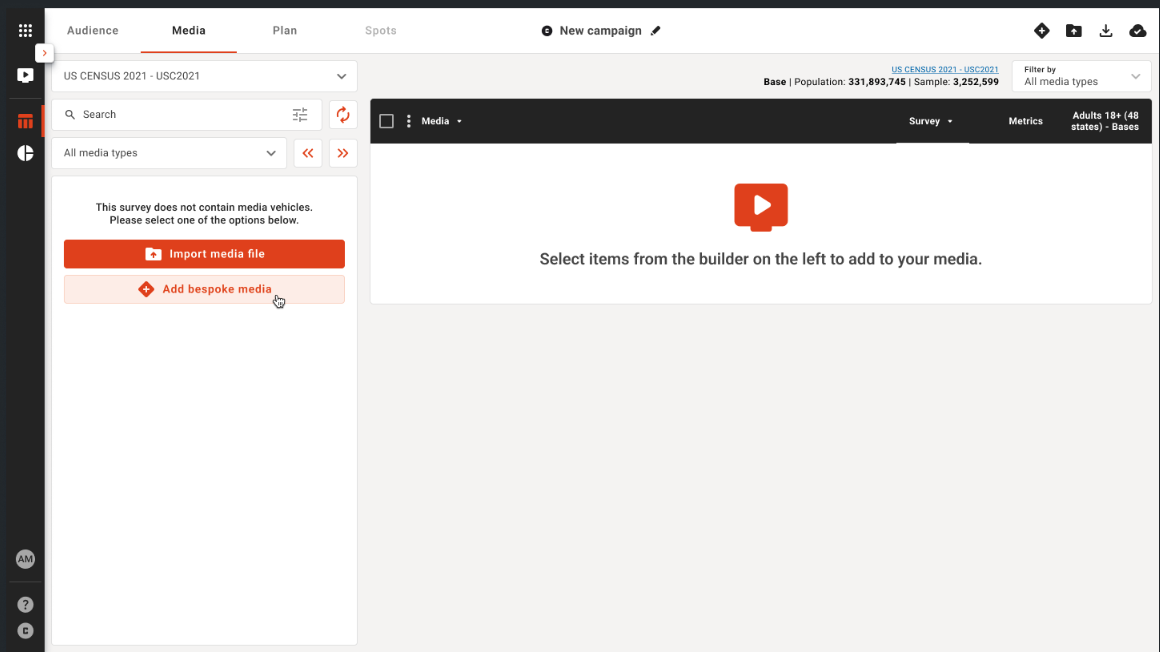
Users must select Media Type and Subcategory before saving.
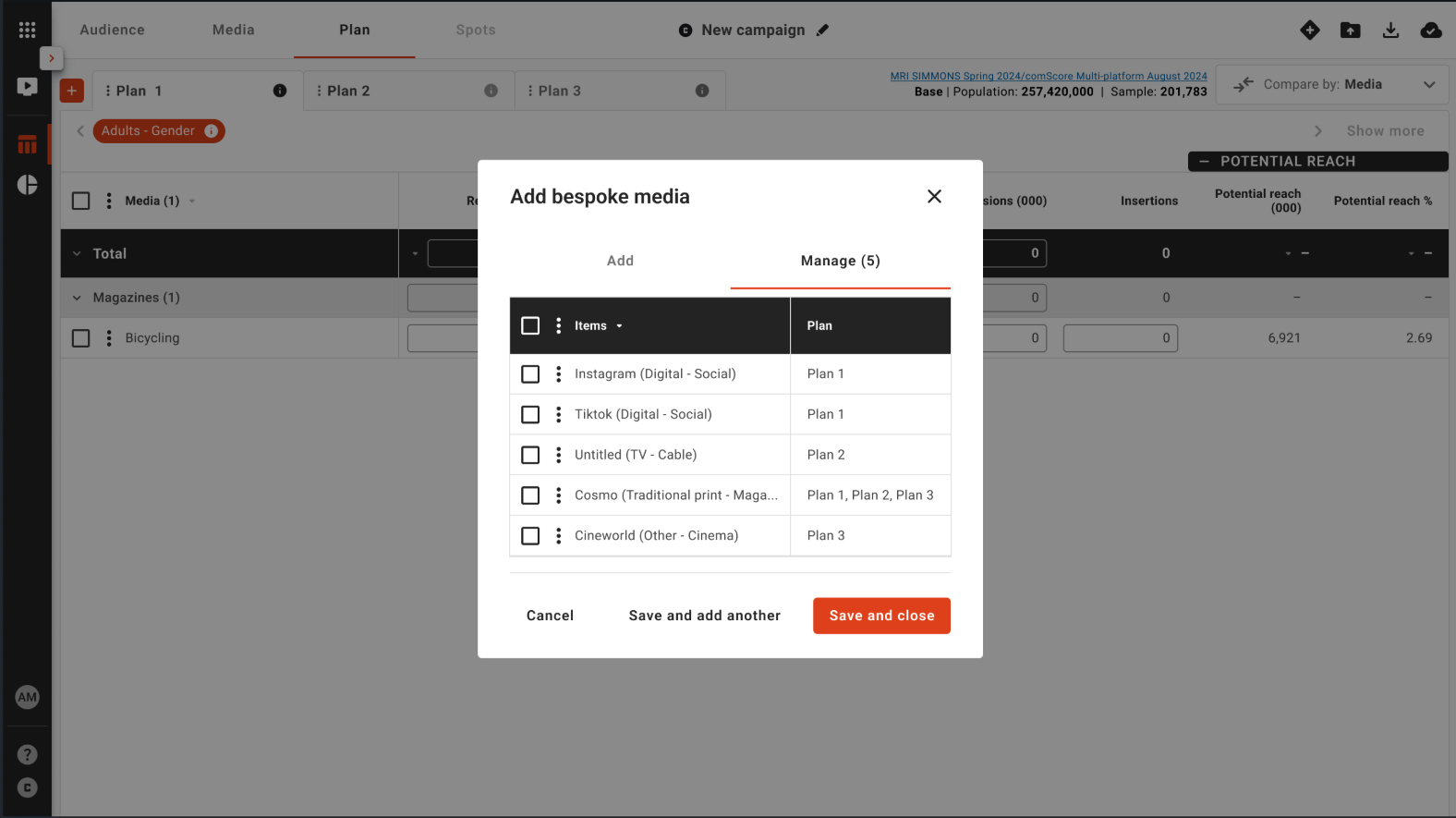
User can view and manage bespoke media from the Manage tab: